Account Profile
Profile Images
| Settings | Click on the images to zoom |
|---|---|
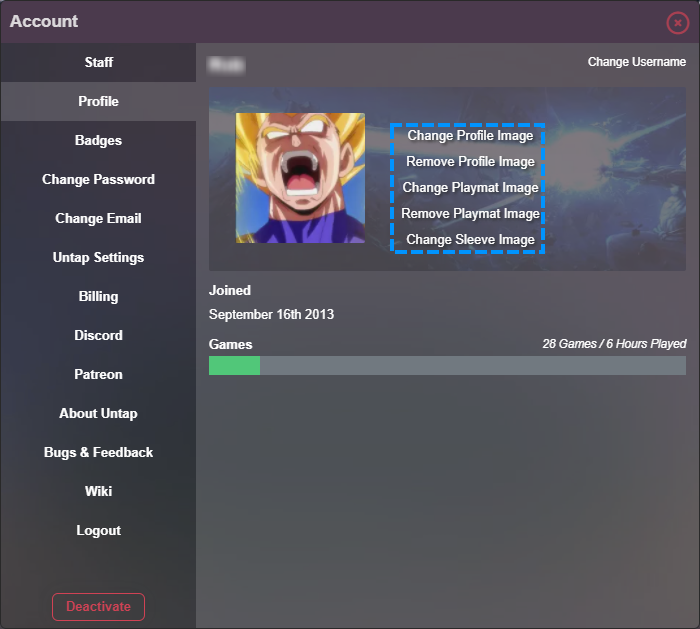
| You can begin by uploading your own unique profile image to create an identity for yourself. To do so, simply navigate to your Account tab and click "Change Profile Image" . | 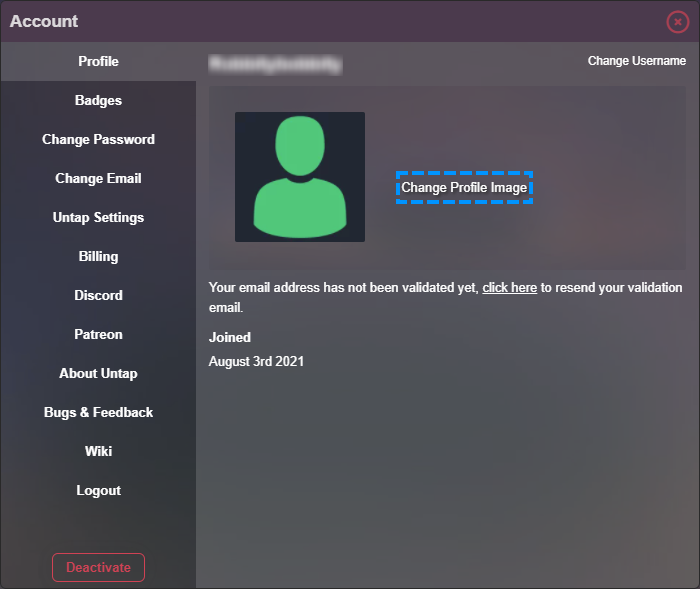 |
| You will then be presented with a pop-up window where you can browse your computer for a profile image or alternatively simply click and drag and drop an image file on to the popup window to upload it (note: ideal dimensions for a profile image are 200 pixels x 200 pixels). | 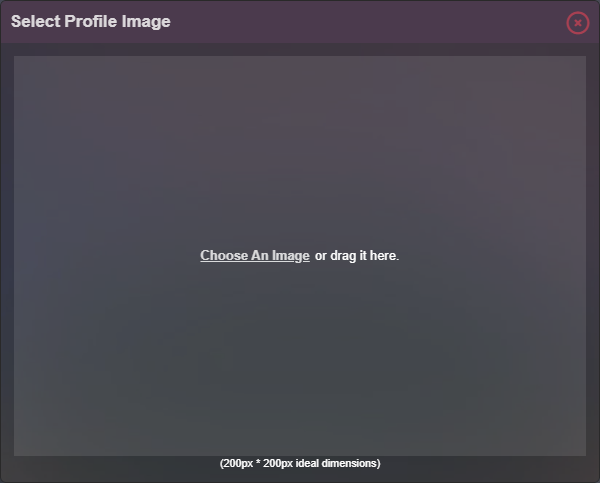 |
| However if you're anything like me and are way too lazy to resize a photo prior to uploading, simply upload your oversized image, click and hold a corner to resize and reshape your profile image to correctly suit the nominated field (Handy tip! Hold shift on your keyboard before you click and hold the corner to maintain your images aspect ratio while resizing). | 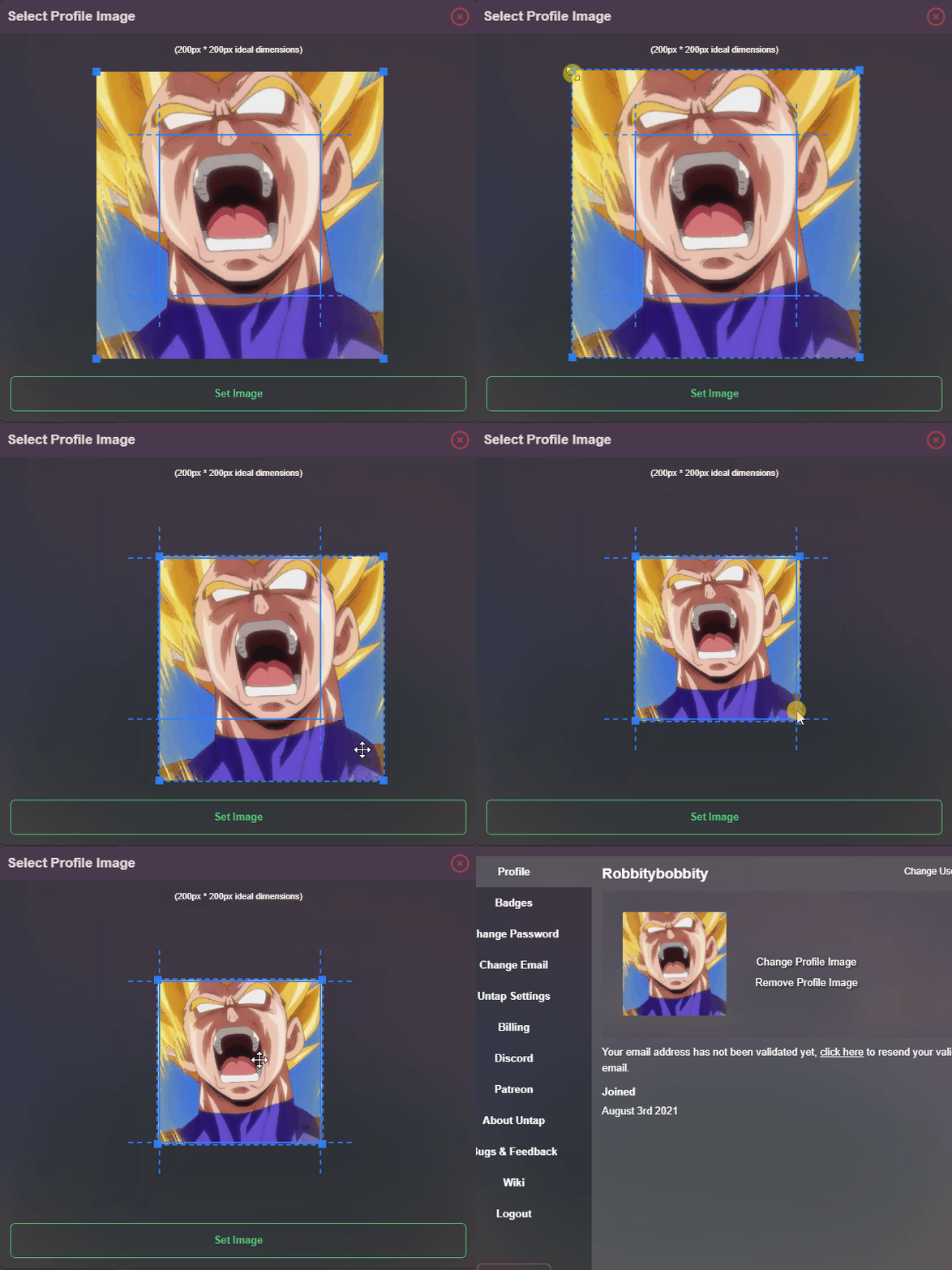 |
| Once that is complete, click the "Set Image" button and you'll see your brand spankin' new profile image is saved to your account successfully and you are now given the option to remove or change it again if you wish to. | 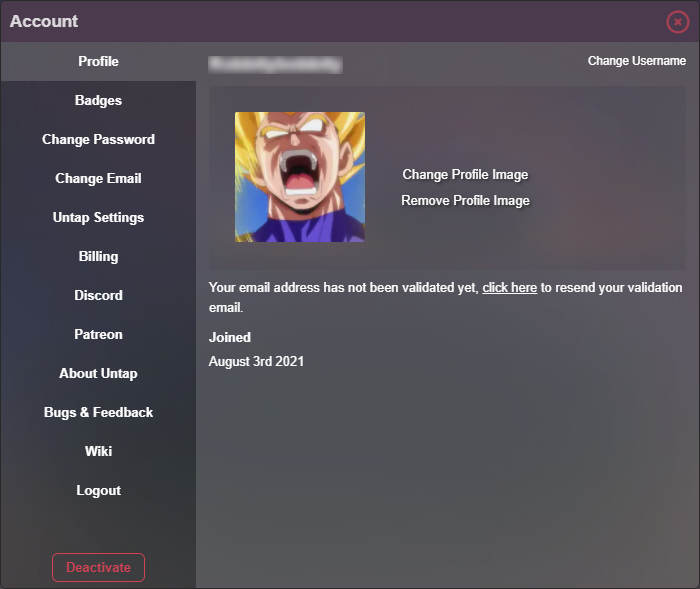 |
|
Side note: If you are a Power-Up! user of Untap.in (Untapped or Untamed), you can also upload a custom playmat and global deck sleeve in this same location!
Click here for more information on Power-Up! upgrades. |
 |
Badges
| Info | Click on the images to zoom | ||||||||||||||||||||||||||||||||||||||||||
|---|---|---|---|---|---|---|---|---|---|---|---|---|---|---|---|---|---|---|---|---|---|---|---|---|---|---|---|---|---|---|---|---|---|---|---|---|---|---|---|---|---|---|---|
| One of the best ways to customize your Untap.in account is by unlocking and collecting badges! These badges are a fun way to show off your achievements to other Untap.in players. |  |
||||||||||||||||||||||||||||||||||||||||||
|
|
|||||||||||||||||||||||||||||||||||||||||||












Changing Username
| Changing Username | Click on the images to zoom |
|---|---|
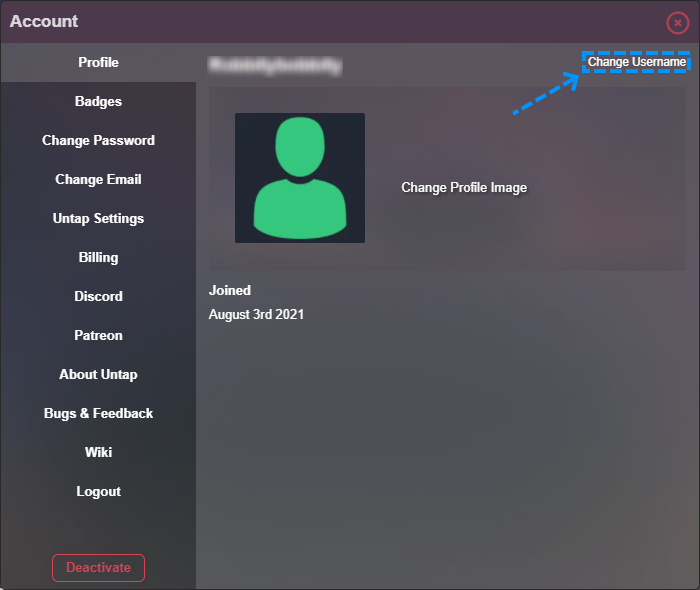
| Growing tired of your username and want to change it to something a little more fresh? Well you can! Simply click "Change Username" in the top right of your account settings. |
|
|
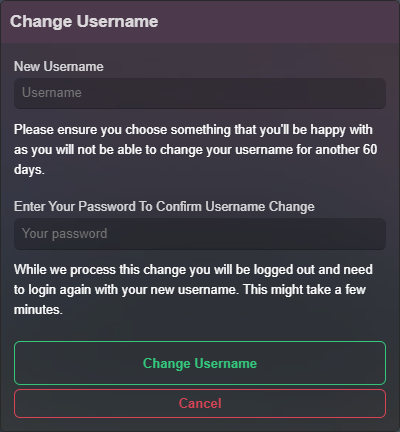
You will then be greeted with another window where you can type your newly desired Username. For security reasons, we also require you to confirm the password on your account at the same time to process the change.
Note: You are only able to change your username once every 60 days. Make sure you haven't made any typo's before you click "Change Username". |
|
Changing Email
| Changing Email | Click on the images to zoom |
|---|---|
|
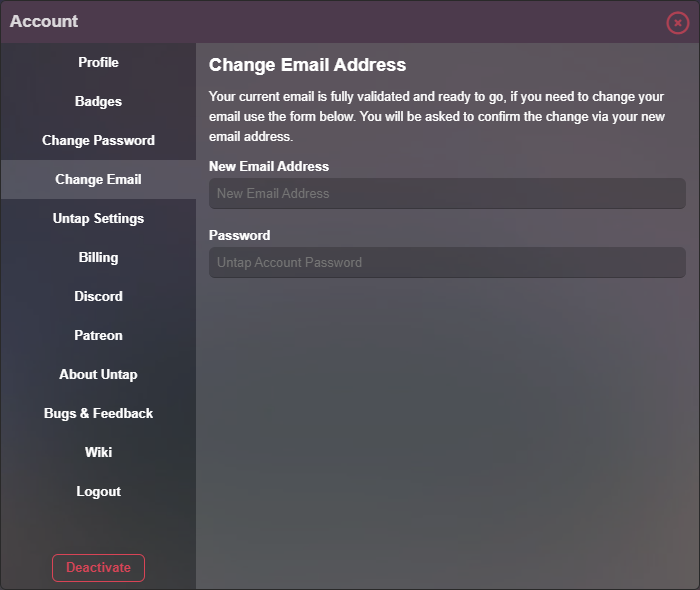
Need to change the email address in your account? Simply click "Change Email" on the navigation menu and follow the instructions.
For security reasons, we also require you to confirm the password on your account at the same time to process the change.
Additionally, you will receive an email to your new email address which you will need to action to finalise the change. |
|
Untap Settings
| Untap Settings | Click on the images to zoom |
|---|---|
|
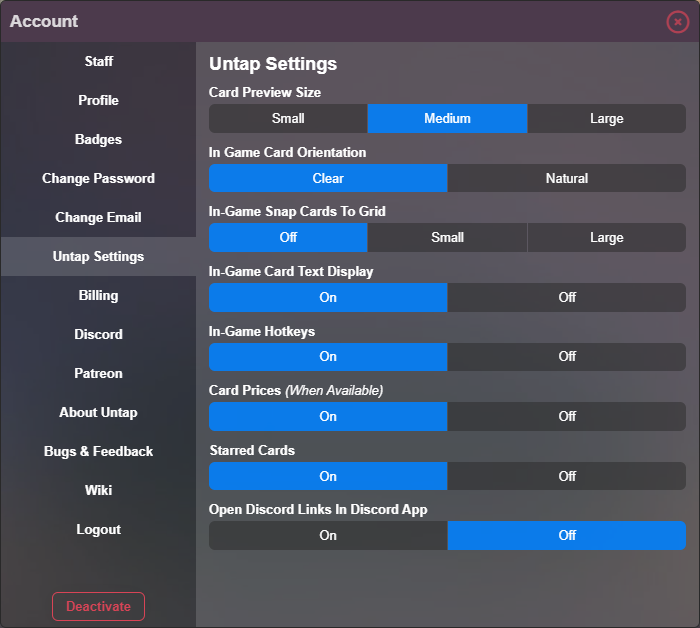
Here is where you will find the vast majority of customization settings for the Untap.in platform. This section will help you clearly identify what each setting does, without having to dig through them yourself. |
|
|
|
|
|
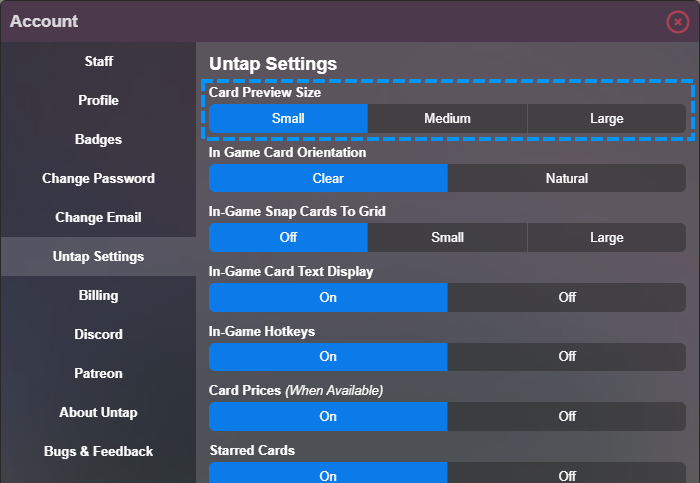
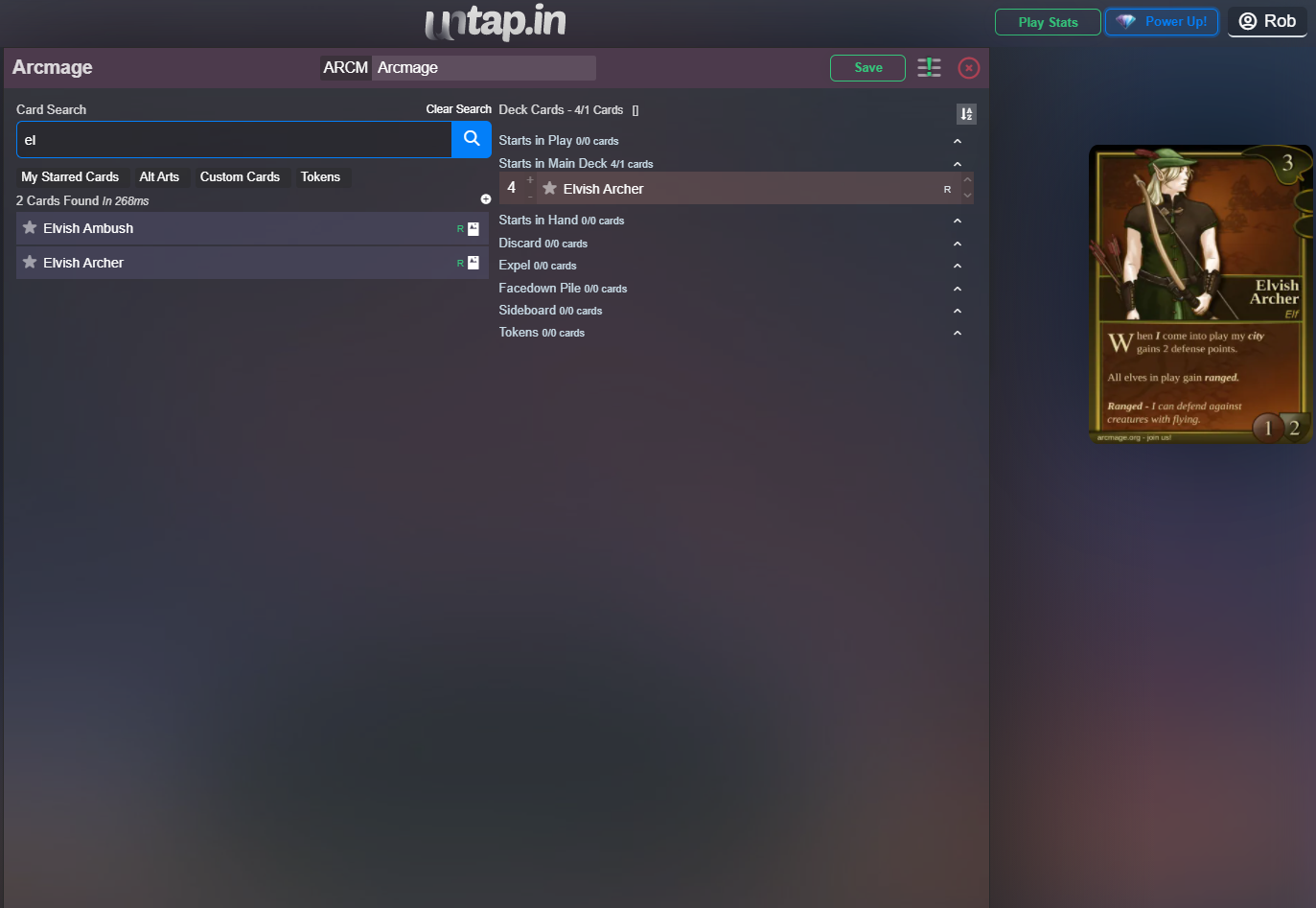
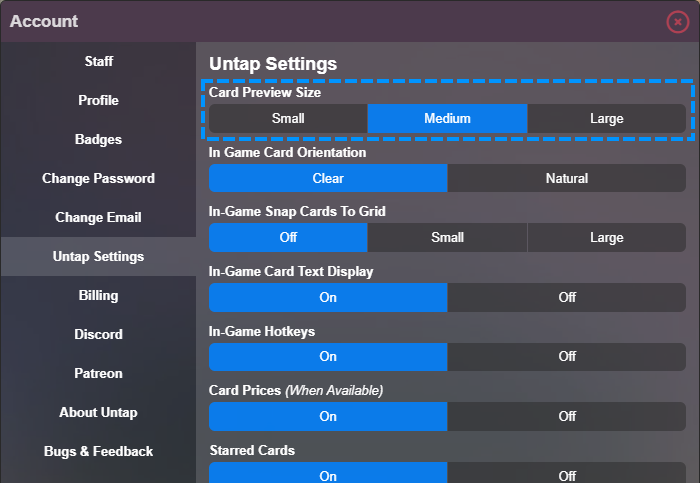
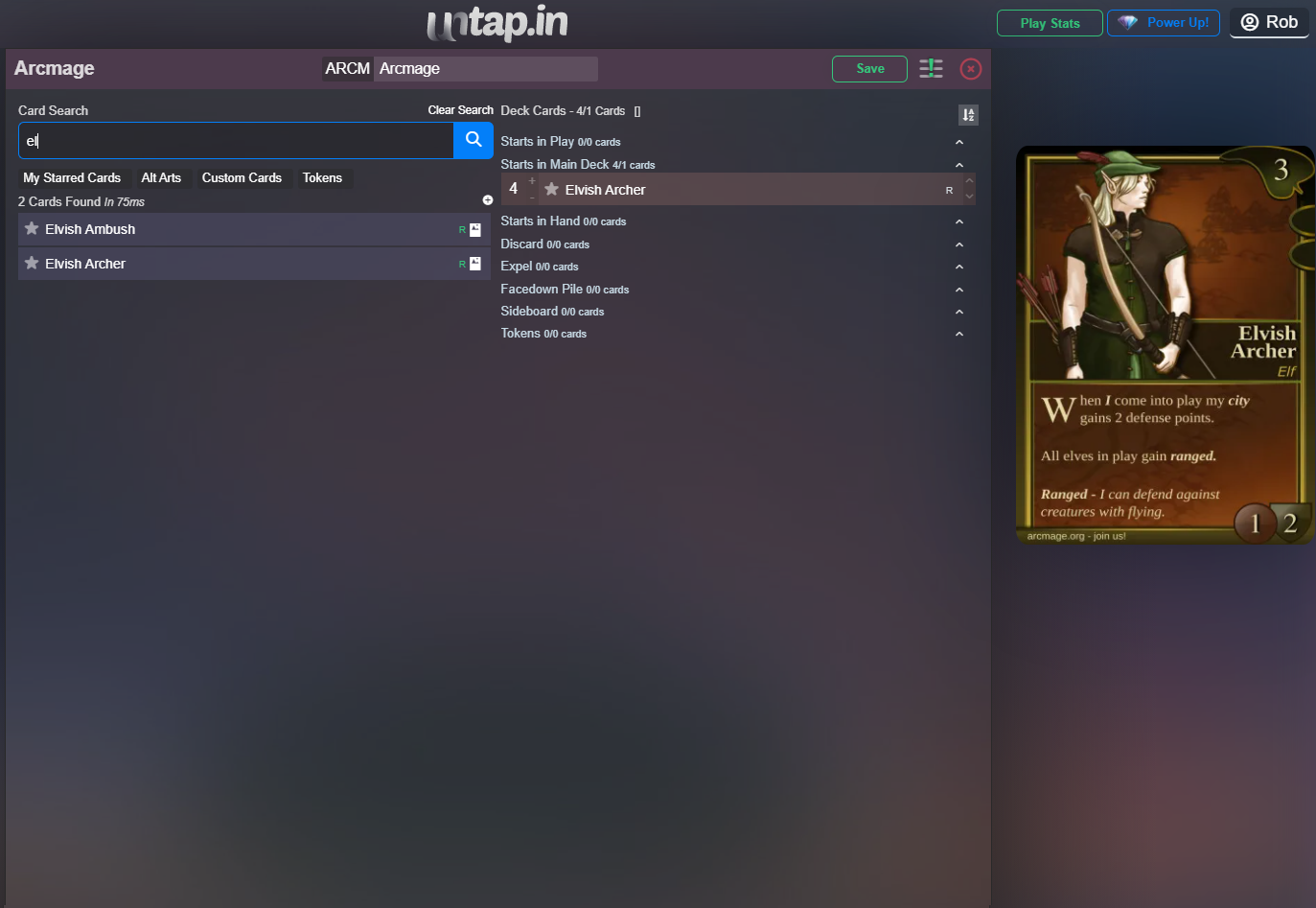
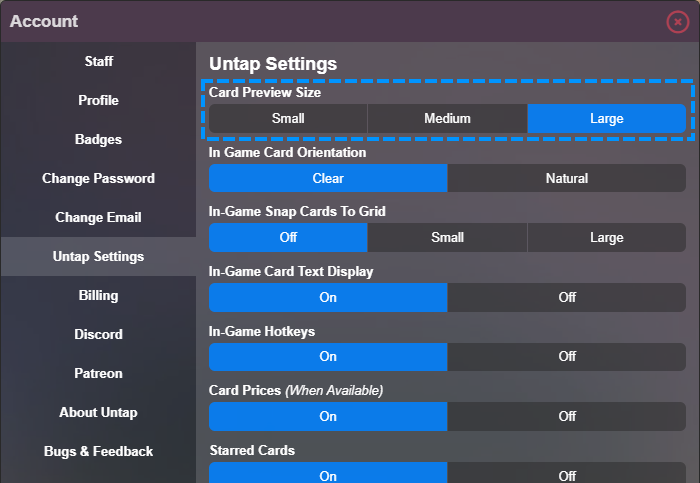
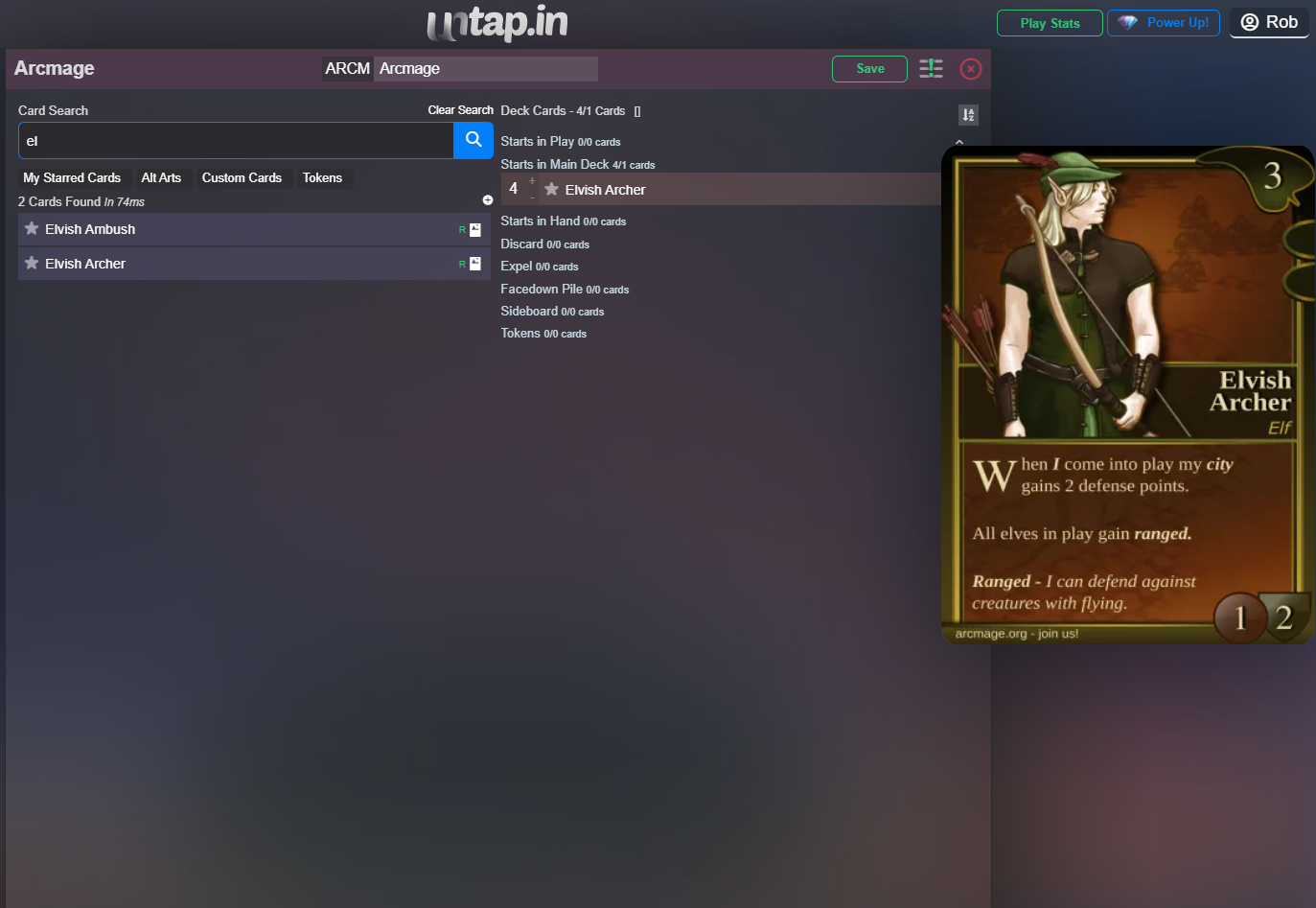
Card Preview Size This setting will alter the preview of all card image sizes on hover. This will vary depending on each persons monitor and resolution, simply select whichever suits your needs (and eyesight) better. This will affect cards on hover in the deck editor, card editor and also in game play. |
|
|
|
|
|
|
|
|
|
|
|
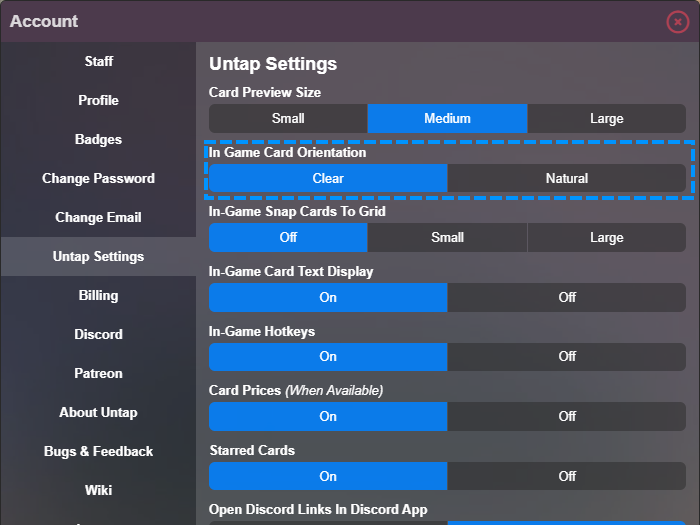
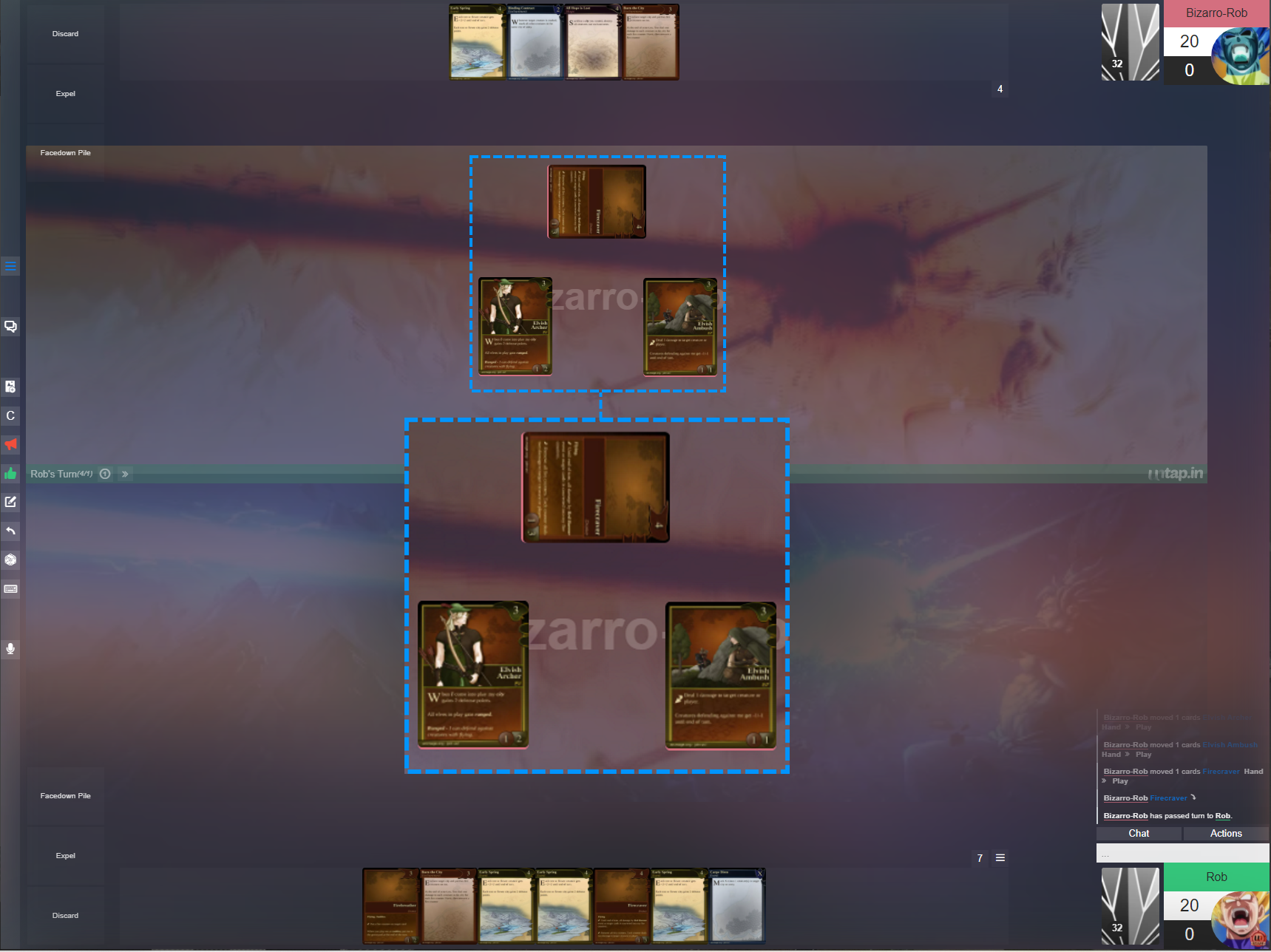
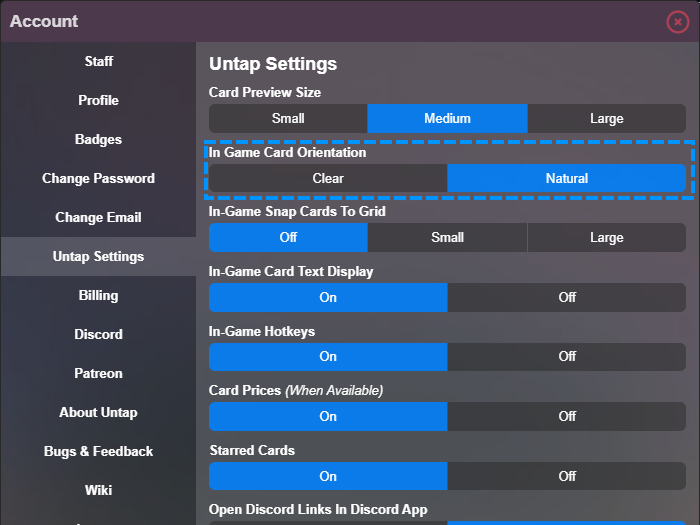
In-Game Card Orientation This setting allows you to change how your opponents cards are oriented and displayed to you. Clear = Oriented vertically for easy viewing. Natural = Oriented upside down for the realistic playstyle of versing a real life opponent. |
|
|
|
|
|
|
|
|
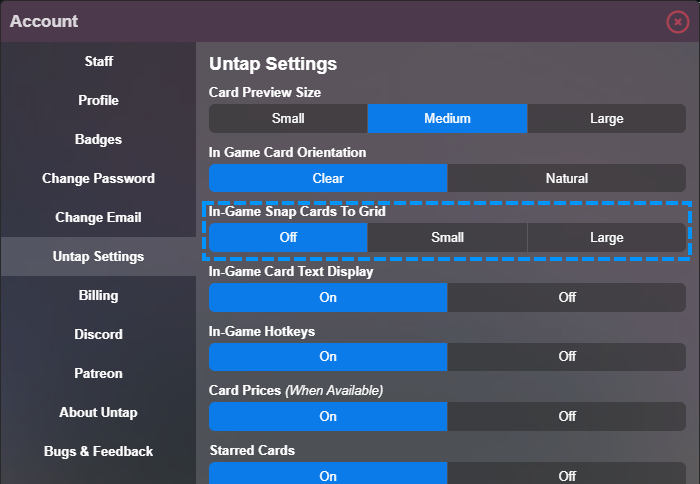
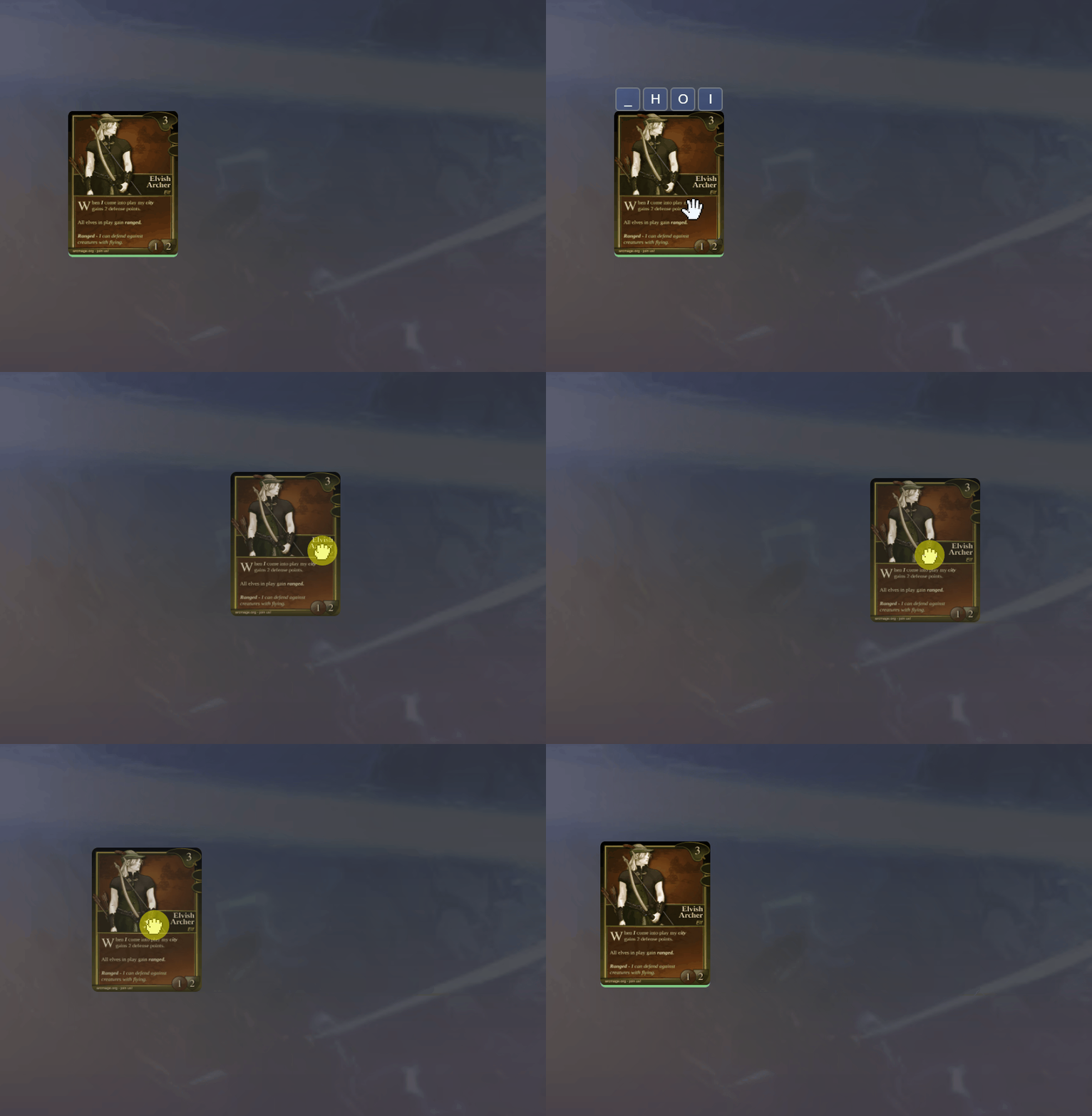
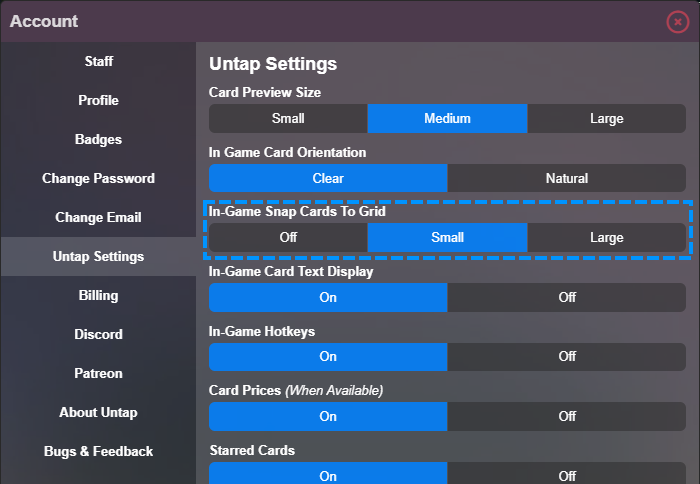
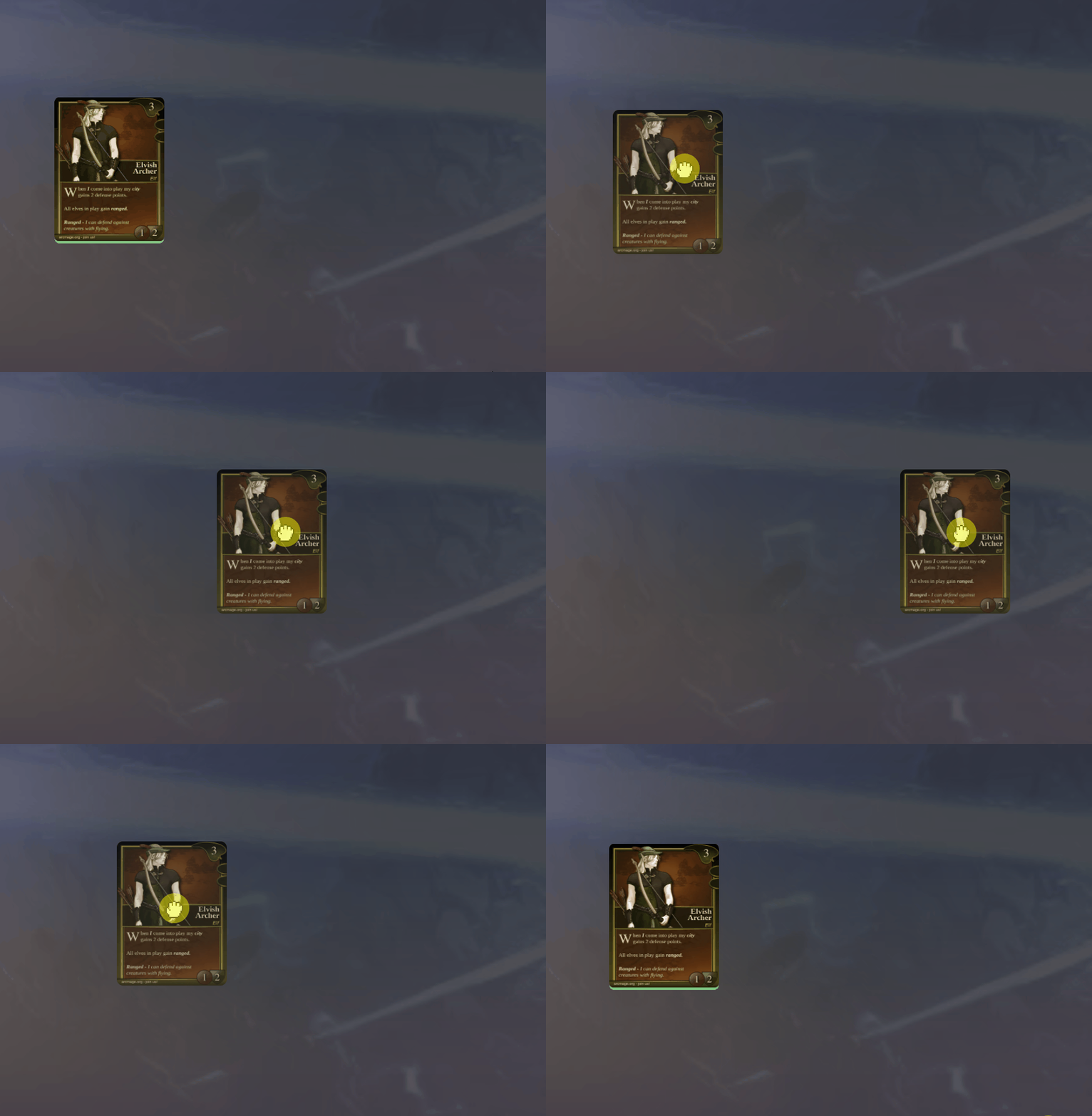
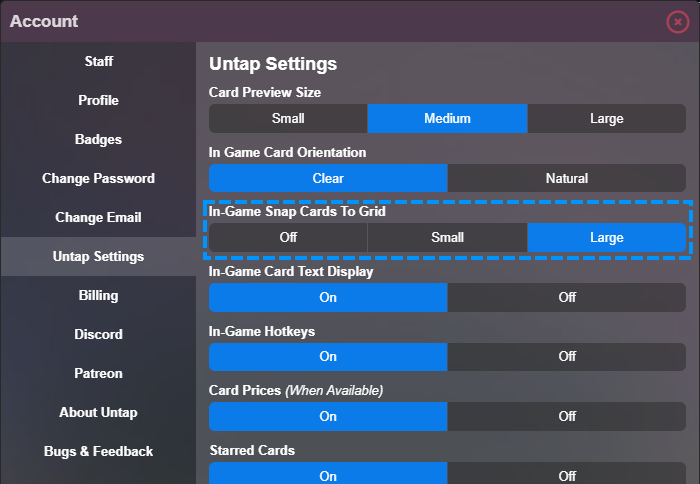
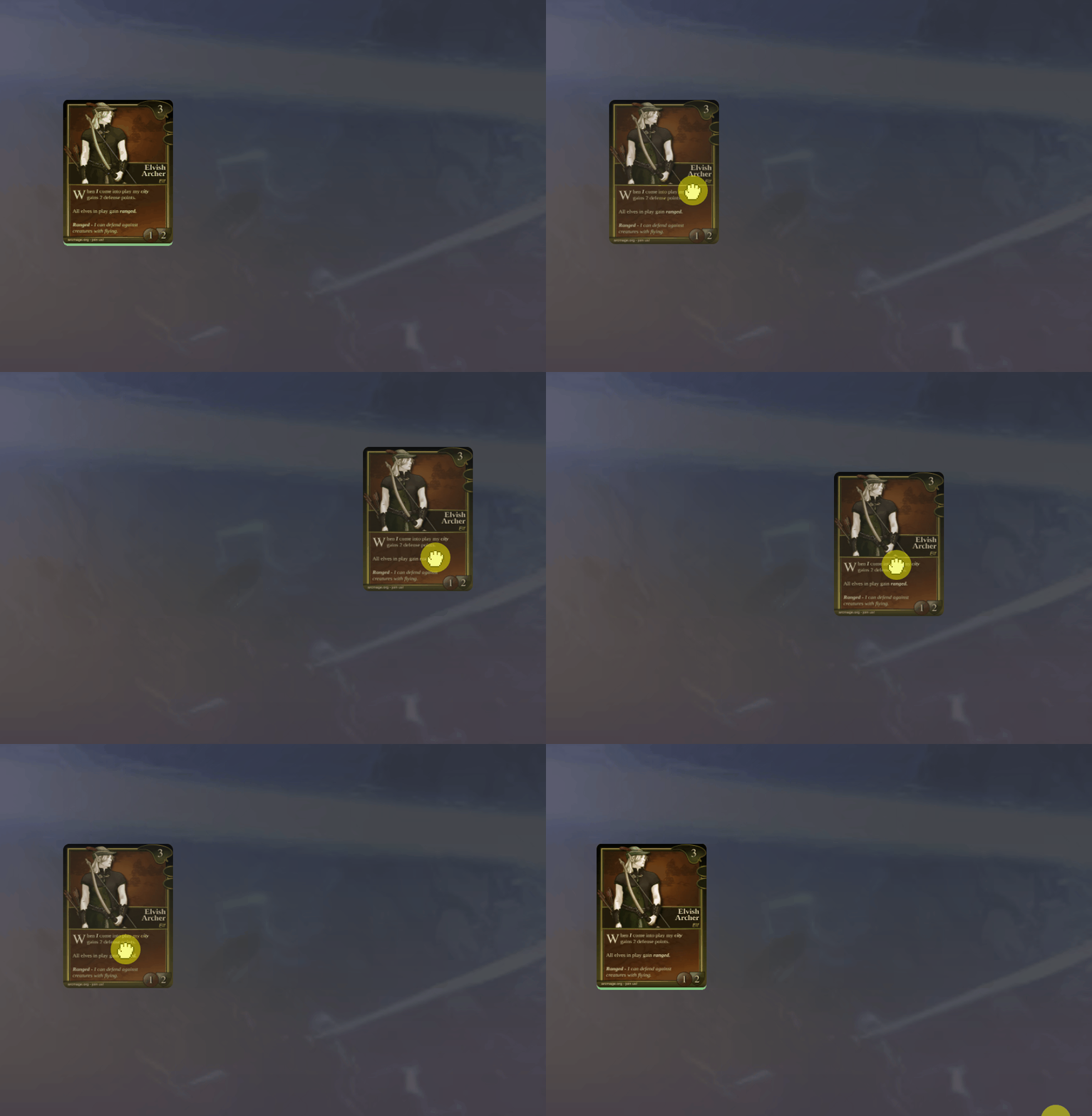
In-Game Snap Cards to Grid This setting creates invisible grids for more accurate card placement of cards on your playmat. Added for those who are a little more obsessive-compulsive. |
|
|
|
|
|
|
|
|
|
|
|
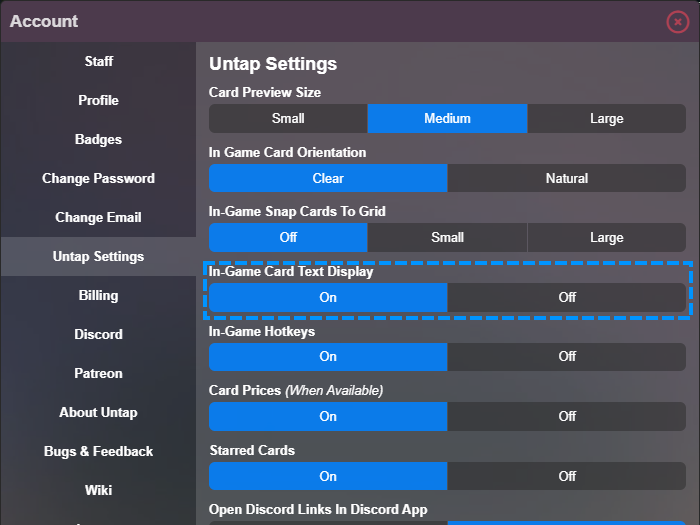
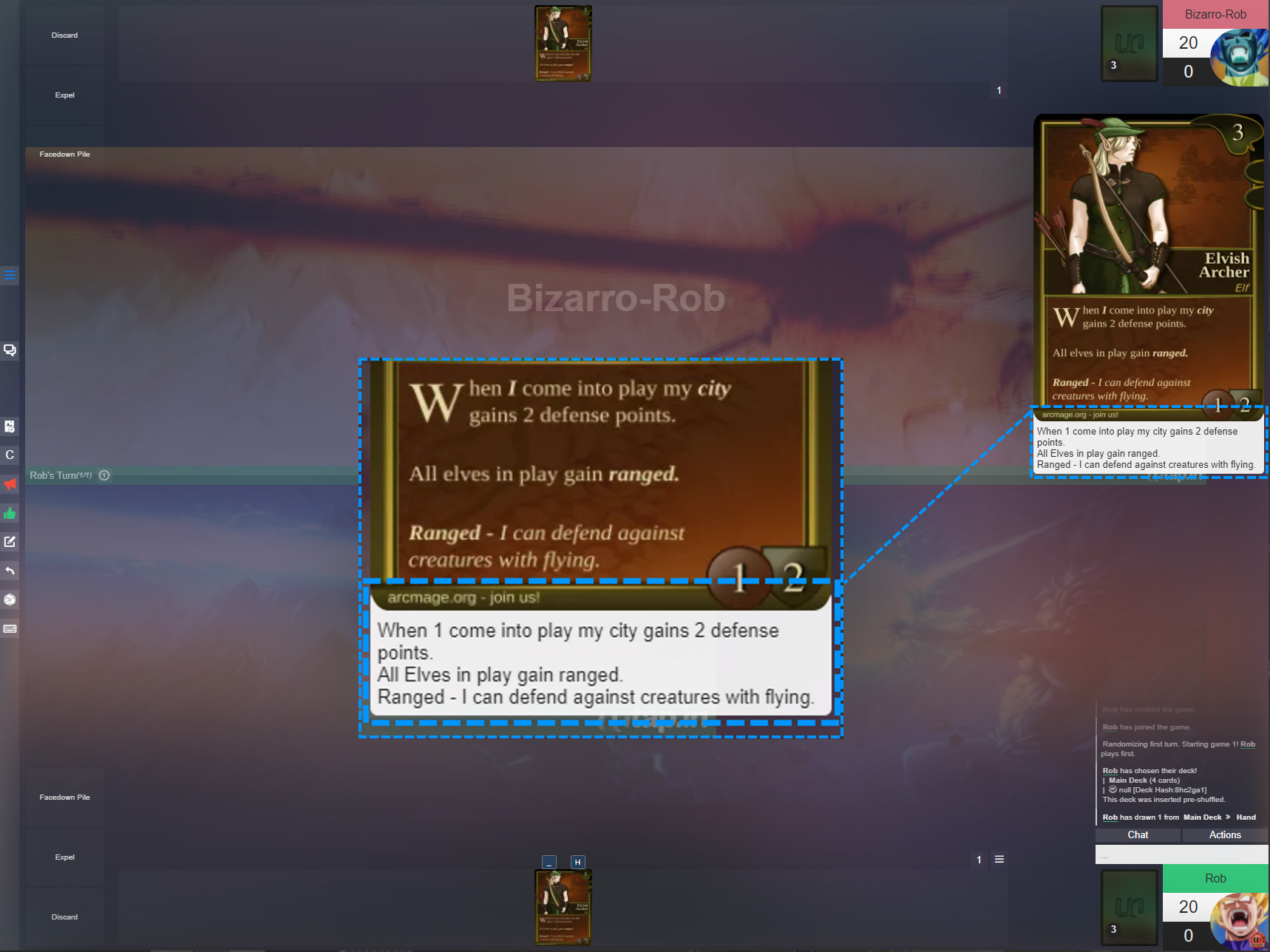
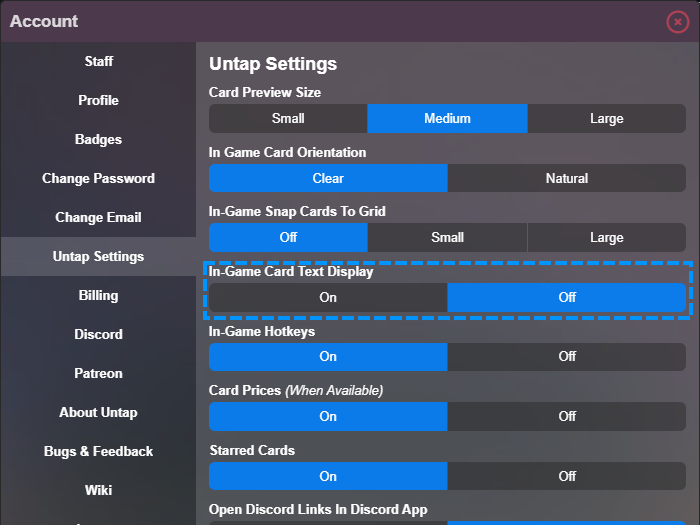
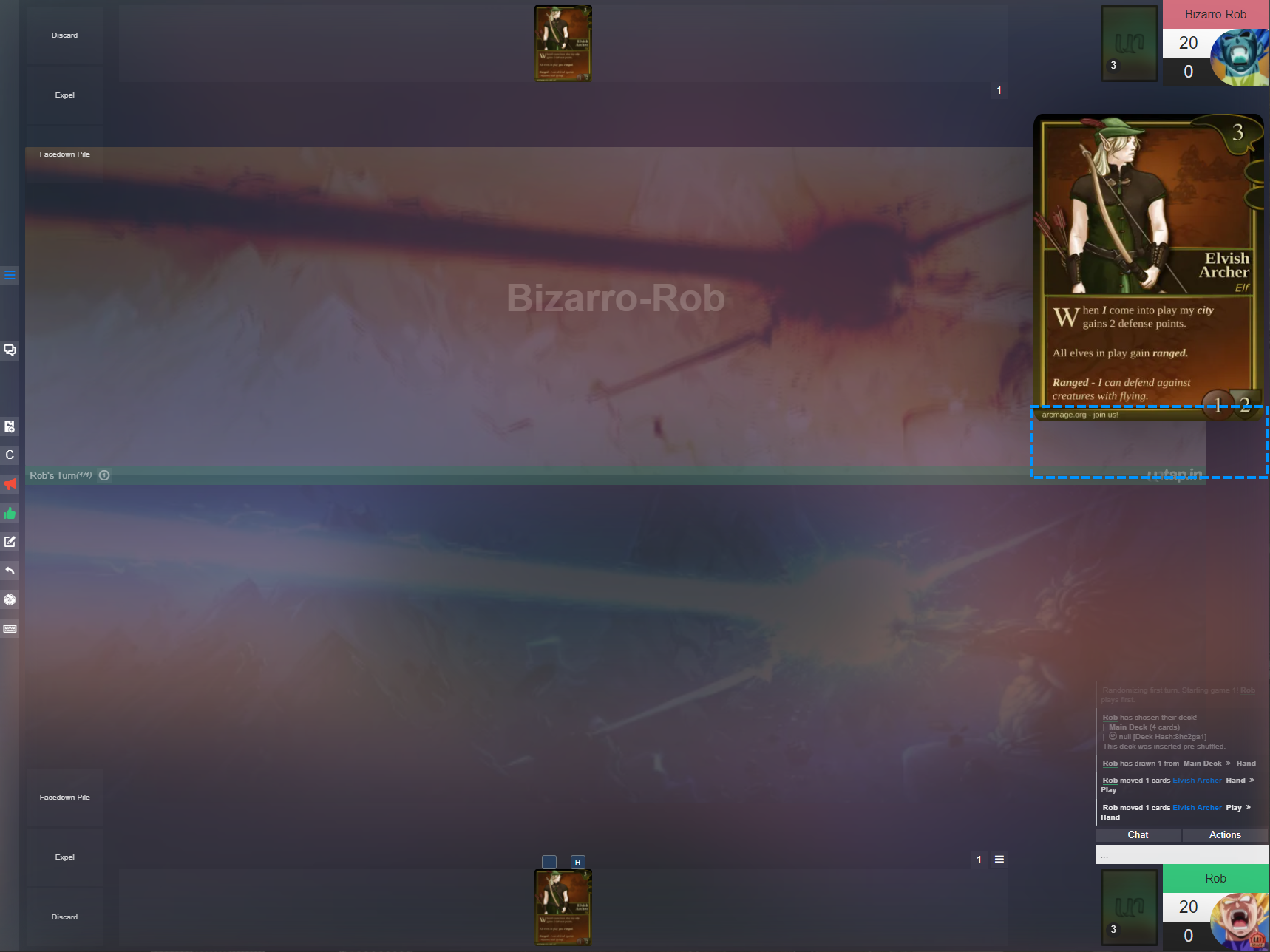
In-Game Card Text Display This setting provides the ability to turn off or on the added text displayed under some cards on the hover preview. This text is set in the card editor to help make potentially blurry or illegible cards easier to read. |
|
|
|
|
|
|
|
|
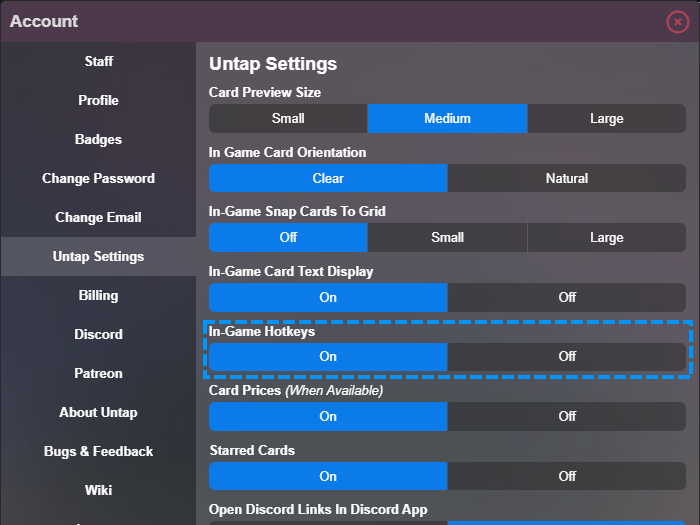
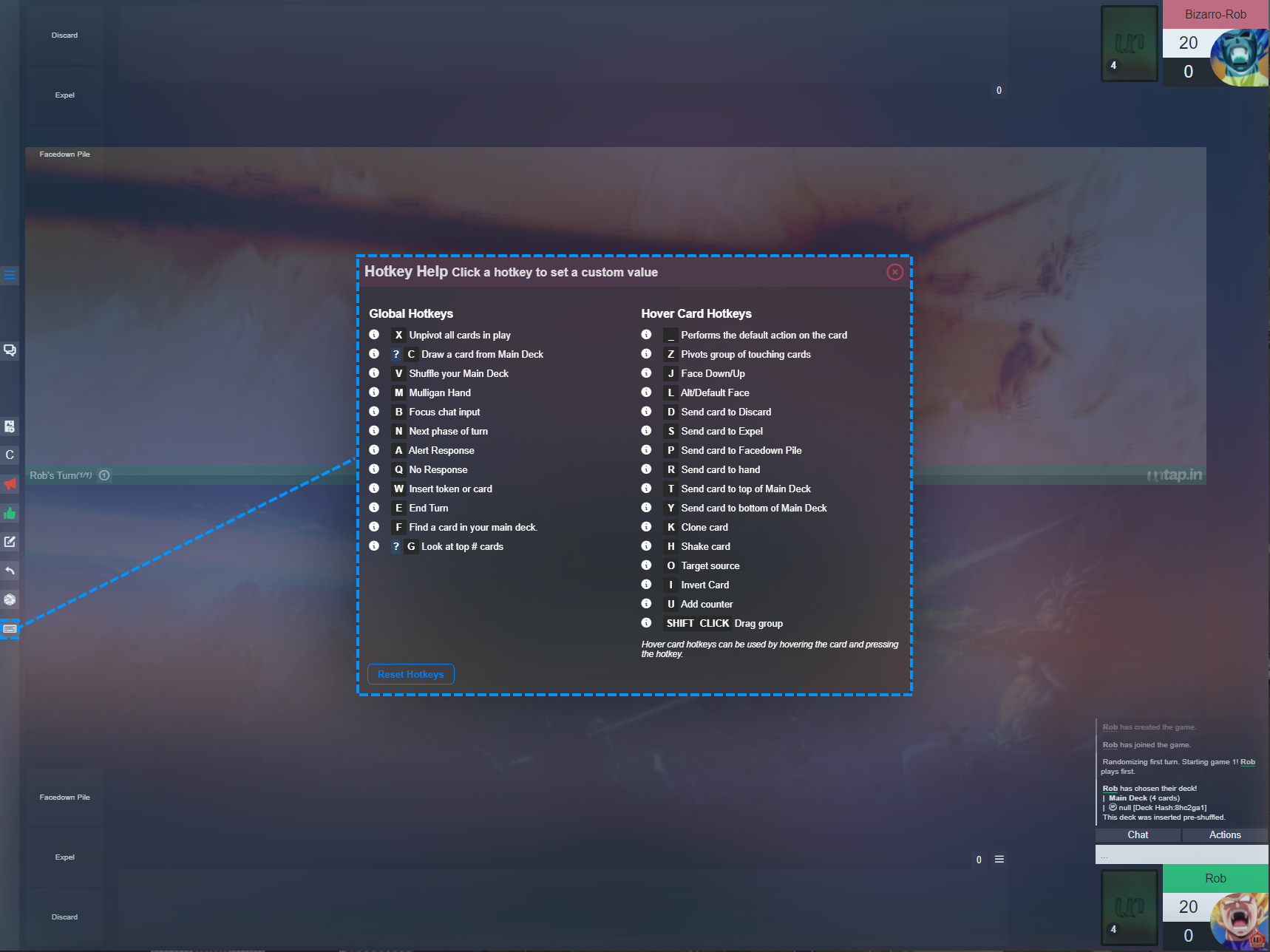
In-Game Hotkeys This setting provides the ability to turn off the Hotkeys. We highly recommend the use of hotkeys and guarantee it will improve your experience on Untap once you get the hang of them. |
|
|
|
|
|
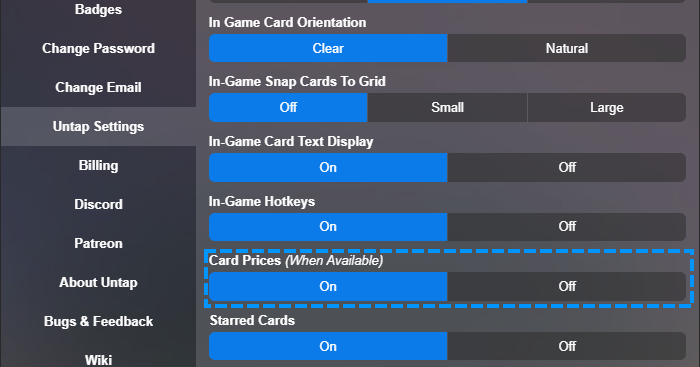
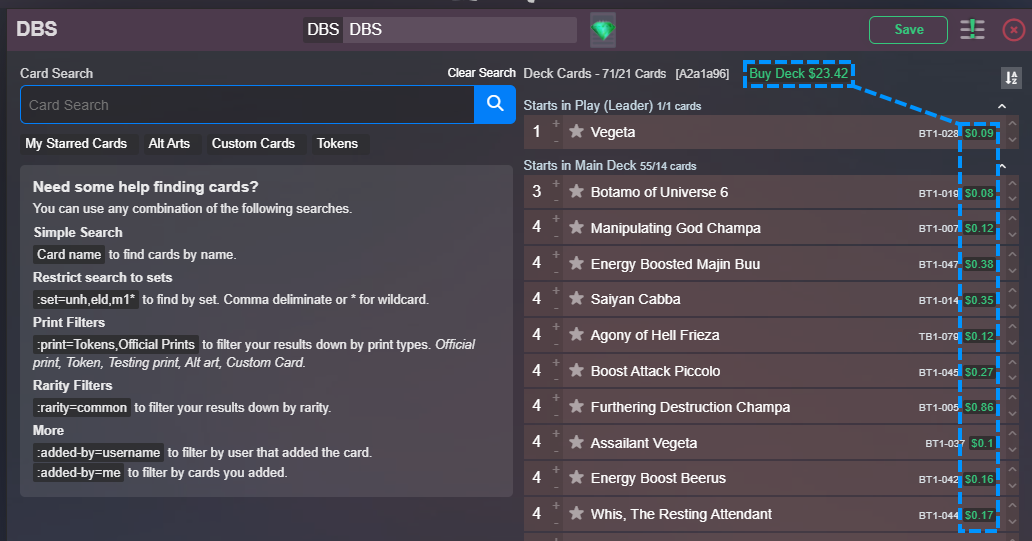
Card Prices For certain CCG's, you will notice in the deck editor that live pricing is available on individual cards and decks. These prices are actual prices where (when clicked) will take you to a reputable card retailer where you can purchase them if desired. This setting shows or hides these prices. |
|
|
|
|